Simplify Your Business Process with a Steps Infographic
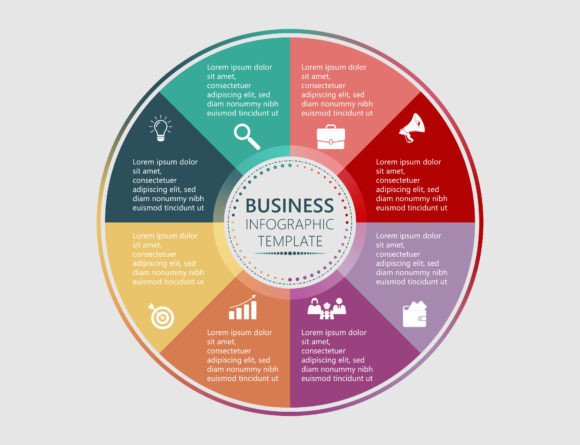
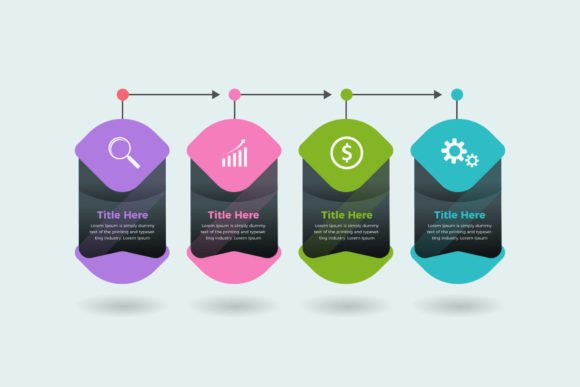
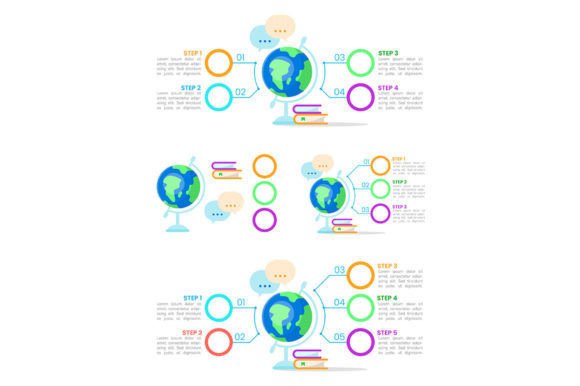
When explaining a process to clients or colleagues, clarity is your best asset. A Professional Steps Business Infographic is a modern visual tool designed specifically for this purpose. Think of it as a streamlined template that uses clean graphics and minimal text to map out a sequence of steps, stages, or phases in any business workflow.
Why Visualizing Your Process Makes a Difference
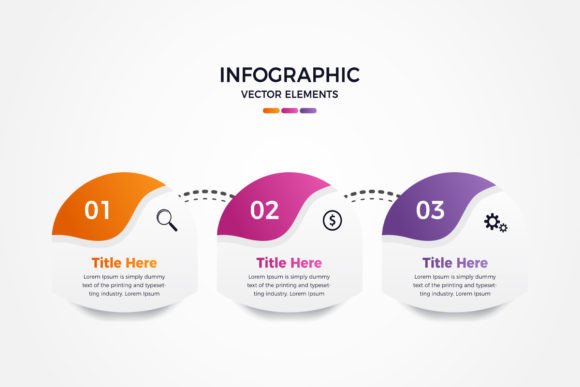
A simple list of steps in a document can be overlooked. An infographic transforms that list into an engaging story. The primary purpose of a Professional Steps Business Infographic is to communicate complex or important procedures in a way that is instantly understood. Its characteristics are clear: a modern, professional aesthetic, a logical three-step structure, and a focus on essential information without clutter. This visual approach adds significant value because it reduces confusion, improves retention, and presents your business as organized and competent.
You might be interested in this if you find yourself repeatedly explaining the same onboarding process, service delivery stages, or project timeline. It supports the need to communicate more effectively, whether internally with your team or externally with your customers. It solves the problem of dry, forgetworthy documentation and helps you achieve goals like better client education, smoother team coordination, and more professional branding.
The Versatility of a Three-Step Business Graphic
The beauty of a template built around three steps is its incredible flexibility. The structure is universal. Here are some realistic use cases across different contexts:
- For Freelancers & Creators: Use it to outline your creative process from concept to draft to final delivery, providing clients with clear expectations.
- For Small Business Owners: Map out your service package tiers (Basic, Pro, Premium) or illustrate the customer journey from inquiry to purchase to support.
- For Educators & Trainers: Break down a learning module into three digestible phases: Introduction, Practice, and Assessment.
- For Marketers & Bloggers: Visually explain a content strategy cycle: Research, Create, Promote.
You can place these infographics on your website's "How It Works" page, include them in proposal documents, embed them in email newsletters, or even print them for office walls and client meetings. They serve as a constant, clear reference point.
What You Get in a Professional Infographic Package
When you acquire a quality Professional Steps Business Infographic template, you're not just getting a single image. You're receiving a complete, adaptable design package. Typically, this includes several key files:
- AI File: This is the native Adobe Illustrator file. It allows for the deepest level of editing if you or a designer have access to Illustrator.
- EPS File: A vector file format that can be opened by many other design programs, ensuring compatibility beyond just Adobe products.
- Preview JPEG File: A standard image file that lets you quickly review the design and see how it looks before diving into the editable versions.
Key Features That Empower Your Customization
The real appeal lies in the template's built-in features. Editable text means you can change every word, label, and title to match your specific process. Editable vector graphics are crucial; vectors allow you to resize the entire infographic to any dimension—for a website banner or a printed brochure—without any loss of quality or pixelation. The colors and shapes of the icons and pathways can often be modified as well.
Furthermore, the package uses free fonts. This is an important practical consideration. It means the fonts are commercially licensed for use, so you won't encounter any additional costs or legal issues when using the infographic in your own projects. You can also easily match these fonts elsewhere in your branding.
Important Considerations Before You Use a Template
While these infographic templates are designed for ease, a little forethought ensures you get the best results. First, consider the audience. Is the visual style appropriate for them? The modern, clean design of a Professional Steps Business Infographic is generally widely appealing, but always double-check that its tone aligns with your brand.
Second, think about software access. To fully edit the AI or EPS vector files, you'll need a vector graphic editor like Adobe Illustrator, Affinity Designer, or CorelDRAW. If you don't have such software, you might need to work with a designer, or ensure the provider also offers a simpler editing option.
Finally, focus on content clarity. The template provides the structure, but you must supply the substance. Distill your process into three truly essential steps. Each step label should be concise, and any accompanying description (if included) should be brief and impactful. The goal is simplification, not complication.
Incorporating a Professional Steps Business Infographic into your materials can elevate your communication. It takes a fundamental business concept—a process—and presents it with the professionalism and clarity that your audience deserves. By choosing a template with editable vectors and text, you gain a powerful, reusable asset that can adapt to countless needs as your business grows and evolves.