Unlocking Understanding: The Power of Business Infographic Templates
In a world saturated with data and complex ideas, the struggle to communicate clearly is universal. Whether you're in a boardroom pitching a new marketing strategy, a classroom explaining economic principles, or a project team outlining a critical workflow, the challenge is the same: how do you make your message stick? The answer lies in visual communication, and one of the most effective tools available today is a professionally designed Business Infographic Template.
What Exactly Is a Business Infographic Template?
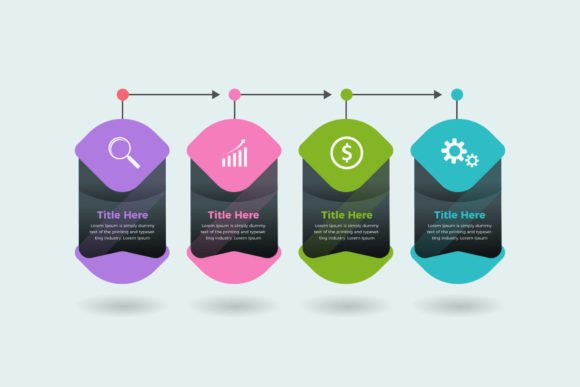
Think of it as a ready-made visual framework. Instead of starting from a blank page, you begin with a structured, aesthetically designed layout specifically crafted to convey information logically and attractively. A template like the Work Steps Business Infographic Template provides the skeleton—you supply the content. These templates come in versatile source files, such as EPS, SVG, DXF, PNG, and JPG, making them adaptable for both digital presentations and printed materials.
An infographic template transforms raw data, processes, or knowledge into a digestible story. It's not just a chart or a graph; it's a cohesive composition that combines icons, text, color coding, and spatial arrangement to guide the viewer's eye and mind through the information.
Visual Storytelling for Modern Needs
Why has visual storytelling become so critical? Our cognitive processing favors images. Studies consistently show that people retain information better when it's presented visually compared to text alone. In professional and educational settings, this translates to faster comprehension, higher engagement, and more effective decision-making.
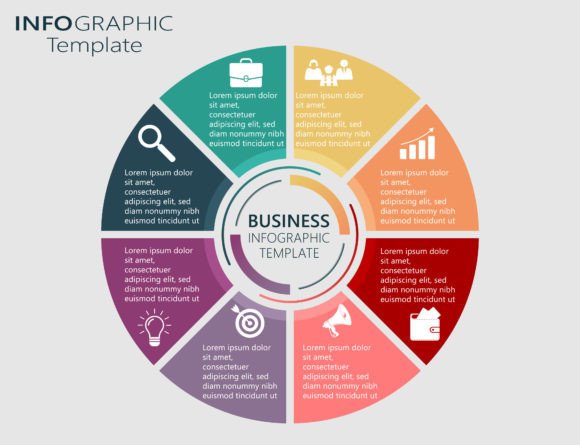
Consider the Eight Steps Circle Work template. A circular diagram inherently suggests a cycle, a process, or a recurring system. Using this template to explain a continuous improvement model or a customer service loop immediately frames the information correctly. The viewer understands the concept of interconnected steps before even reading the details.
The Multiformat Advantage: From Screen to Print
A key feature of modern infographic templates is their availability in multiple file formats. This isn't just a technical detail; it's a practical superpower.
- EPS & SVG: These are vector files. They are scalable to any size without losing quality, perfect for large format printing on billboards or conference banners, or for embedding into websites where responsiveness is key.
- DXF: Useful for CAD and technical applications, allowing for further engineering or precise manipulation in design software.
- PNG & JPG: The standard raster images for everyday use. Ideal for inserting into PowerPoint slides, Word documents, email newsletters, or social media posts. The PNG format, with its potential for transparency, offers cleaner integration into existing designs.
Having all these formats means one Work Steps Business Infographic Template purchase serves a multitude of projects. You can create a sleek PDF report, a vibrant website graphic, and a detailed printed handout all from the same core asset.
Core Functions and Universal Applications
The purpose of these templates is to act as a visual translator. They perform several vital functions:
- Simplification: They distill complex data sets or lengthy procedures into a clear, step-by-step or component-by-component visual.
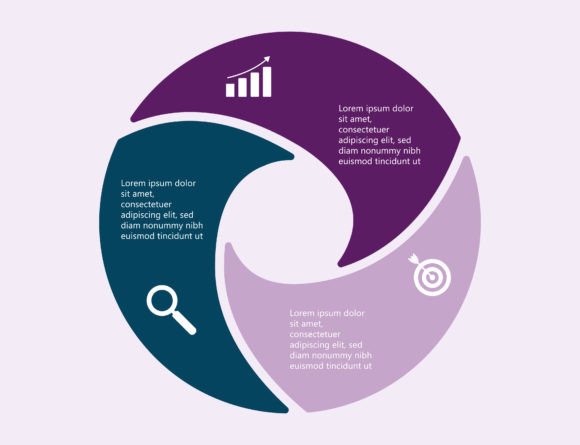
- Comparison: Templates like the Advertising Pie Chart Diagram Presentation allow for immediate comparison of proportions—showing marketing budget allocation or market share breakdowns in an instant.
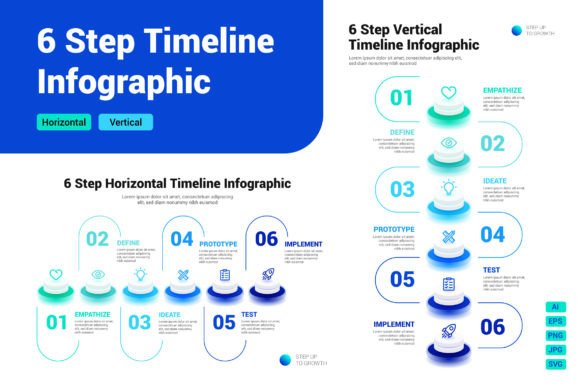
- Sequencing: They show order, progression, and dependency, which is essential for project timelines, operational workflows, or educational curricula.
- Highlighting Relationships: Visual layouts reveal connections between different elements that text lists often obscure.
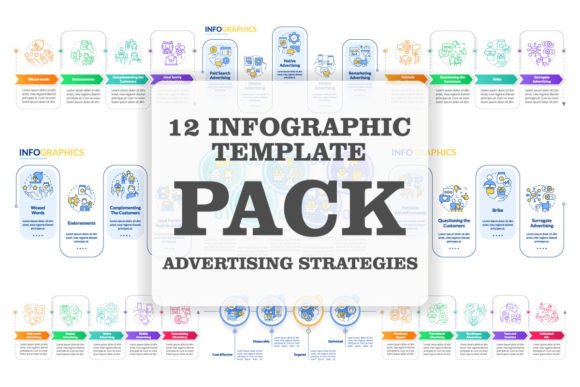
This functionality finds relevance across a stunning array of fields. In Advertising and Marketing, they are used to present campaign results, explain audience demographics, or illustrate brand strategy. In Education and Courses, educators use them to outline lesson plans, summarize module key points, or visualize historical timelines. For All Kinds of Projects, from software development sprints to construction phases, a template provides the team with a shared, clear visual reference point.
Integrating Templates into Your Workflow
Adopting a business infographic template isn't about adding a decorative element; it's about upgrading your communication process. The practical benefits are immediate.
Time Efficiency: The most obvious advantage is speed. Designing a compelling infographic from scratch requires significant skill and time. A template eliminates 80% of the design work. You focus on curating and inputting your content, not on layout geometry, color theory, or icon selection.
Consistency and Brand Alignment: For businesses, using a well-designed template ensures that all internal and external communications maintain a consistent professional look. You can easily adapt colors to match your brand palette, fostering recognition and trust.
Enhanced Persuasion and Clarity: In proposals, reports, or pitches, a clear infographic can be the difference between winning approval and causing confusion. It makes your argument or data transparent and authoritative.
Choosing the Right Template for Your Goal
Before selecting a template, consider a few key factors. First, match the template structure to your information type. Is your content a linear process? Look for a stepped or flowchart template. Is it about parts of a whole? A pie chart or segmented circle template is ideal. The Work Steps Business Infographic Template, for instance, is perfect for procedural breakdowns, training manuals, or project stage explanations.
Second, consider your audience and medium. Will this be viewed on a mobile screen or a large poster? Ensure the template's complexity suits the medium—a detailed SVG for print, a simpler PNG for a quick social media post.
Finally, assess customization ease. Good templates are like good kitchens—well-organized and easy to work in. Check that the file formats you commonly use are provided and that the layout is intuitive enough for you to edit with your available software, whether it's Adobe Illustrator, Canva, or even PowerPoint.
Beyond the Basics: Strategic Visual Communication
Moving from using templates as mere tools to employing them strategically marks a shift in how you share knowledge. It's about preempting questions and guiding understanding. When you present a sales funnel with an infographic, you're not just listing stages; you're showing the contraction and expansion of prospect numbers visually. When you use a diagram to explain a software update, you're mapping the user journey, reducing anxiety and resistance.
This approach turns meetings, lessons, and project kick-offs from monologues into dialogues anchored by a common visual reference. It minimizes misinterpretation and aligns teams and stakeholders quickly. In essence, a powerful infographic template becomes a shared language.
In today’s fast-paced environments across advertising, education, and project management, clarity isn't just convenient—it's competitive. Leveraging a tool like the Work Steps Business Infographic Template empowers you to cut through the noise, convey complexity with elegance, and ensure your ideas are not just heard, but understood and remembered. It turns information into insight, and insight into action.